Navigating the world of cloud gaming can seem daunting, especially when Xbox Game Pass Ultimate is often highlighted as the primary gateway. However, for the average gamer juggling work, family, and life, knowing if you can play cloud games without committing to another subscription is crucial. This comprehensive guide breaks down exactly how to play cloud gaming without Game Pass, exploring viable alternatives, their costs, benefits, and potential drawbacks. Discover services like NVIDIA GeForce NOW, Amazon Luna, Boosteroid, and even free-to-play options that let you stream high-quality games on almost any device. We delve into setup tips, internet optimization, and game recommendations to help busy adults get the most value for their limited gaming time and budget, ensuring you stay current with 2026 gaming trends without unnecessary hype or expense. Get ready to game on your terms.
Can I use other cloud gaming services if I don't have an Xbox?
Yes, absolutely. Cloud gaming services like NVIDIA GeForce NOW, Amazon Luna, Boosteroid, and Shadow PC are designed to be hardware agnostic. They operate independently of Xbox consoles, allowing you to stream games on devices you already own, such as PCs, Macs, smartphones, tablets, and smart TVs. These platforms typically connect to your existing digital game libraries like Steam or Epic Games Store.
What are the best alternatives to Xbox Cloud Gaming that don't require a subscription?
While most robust cloud gaming services involve some form of paid tier for optimal performance, NVIDIA GeForce NOW offers a free tier with one-hour session limits and potential queues. Amazon Luna provides a rotating selection of free games for existing Amazon Prime members, leveraging an existing subscription. Many free-to-play games like Fortnite or Apex Legends can also be streamed through the free tiers of services like GeForce NOW, allowing you to enjoy cloud gaming without an additional dedicated cloud gaming subscription.
Is it possible to play cloud games without buying any new games or subscriptions?
Yes, it is possible. If you already own games on PC platforms like Steam or Epic Games Store, services like NVIDIA GeForce NOW allow you to stream many of those titles using their free tier, meaning no new game purchases or cloud gaming subscription are required beyond your initial game acquisition. Additionally, popular free-to-play games are often supported on free tiers of cloud services, giving you access to extensive entertainment without extra cost.
How do GeForce Now and Luna differ in a non-Game Pass scenario?
In a non-Game Pass scenario, GeForce NOW lets you stream games you've *already purchased* from digital PC storefronts like Steam or Epic. It's essentially a powerful virtual PC for your owned library. Amazon Luna, conversely, offers its own curated library through various channels; some games are included with an Amazon Prime membership, and others can be played if you own them on a linked Ubisoft account. The key difference is that GeForce NOW leverages your existing PC game library, while Luna offers more of its own content library or specific integrations.
Can I still play multiplayer games with friends on other platforms when using non-Game Pass cloud gaming?
Absolutely, yes. When you use cloud gaming services like GeForce NOW or Boosteroid, the game itself is running on a cloud server, but it's still your game client. If the game supports cross-play (e.g., Fortnite, Apex Legends, Call of Duty), you'll be able to join and play with friends on consoles, other PCs, or even other cloud platforms, just as you would if you were playing on a local PC. Your friends list and social features from the game's native platform will function as normal.
Are there any regional restrictions to consider for cloud gaming without Game Pass?
Yes, regional restrictions are a significant factor. Cloud gaming services rely on data centers strategically located around the world. Your proximity to these servers directly impacts latency and overall performance. Services like NVIDIA GeForce NOW and Amazon Luna operate in specific regions (primarily North America and Europe, with some expansion into Asia). Before committing, always check if the service has servers near your location to ensure a smooth, low-latency experience.
What kind of internet speed is truly sufficient for a good cloud gaming experience without Game Pass?
For a reliable and enjoyable cloud gaming experience without Game Pass, most services recommend a minimum stable download speed of 15-25 Mbps for 1080p gaming. For 4K streaming or higher frame rates, 50 Mbps or more is generally advised. Crucially, a stable connection with low latency (ping) and minimal jitter is even more important than raw speed. A wired Ethernet connection is always preferred over Wi-Fi for optimal performance.
Life for the average gamer in 2026 is a balancing act. You're likely working hard, managing a family, and craving those precious moments of relaxation, fun, or skill-building that only gaming can provide. The idea of jumping into a massive game without a huge download or expensive hardware upgrade is incredibly appealing. That's where cloud gaming shines. But for many, the phrase 'cloud gaming' immediately brings up Xbox Game Pass Ultimate. So, the big question on many minds is: can you play cloud gaming without Game Pass?
The short answer is a resounding YES, and this guide is here to show you exactly how. You're not alone in wanting to maximize value, optimize performance, and stay current without falling for every new hype cycle. With 87% of US gamers regularly playing and dedicating an average of 10+ hours a week, efficiency matters. We'll explore how cloud gaming alternatives cater to your need for quick access, budget-friendly options, and a seamless experience across devices, from your phone during a lunch break to your home PC after the kids are asleep.
This article will cut through the noise, offering practical solutions for common pain points. We'll help you navigate setup issues, tackle performance hiccups, recommend games that fit limited time slots, and even touch on hardware upgrades on a budget. Get ready to unlock the full potential of cloud gaming on your terms, allowing you to relax, connect with friends, and enjoy the latest titles without a Game Pass commitment.
Can You Play Cloud Gaming Without Game Pass?
Absolutely! While Xbox Game Pass Ultimate is a prominent cloud gaming service, it's far from the only option. Think of it this way: Game Pass provides a Netflix-style library of games you can stream, but other services let you stream games you already own on platforms like Steam, Epic Games Store, or even directly access free-to-play titles. The key is understanding that 'cloud gaming' refers to the technology of streaming games, not a specific subscription service.
Many gamers, especially those around 36 years old, appreciate the flexibility this offers. You might have a robust Steam library built over years, and the thought of re-buying games or committing to another monthly subscription just for cloud access can be a deterrent. Fortunately, there are several powerful alternatives designed precisely for this scenario, allowing you to leverage your existing investments and play high-quality games without additional purchase.
What Are the Best Cloud Gaming Services That Don't Require Game Pass?
Several excellent cloud gaming platforms offer robust experiences without needing an Xbox Game Pass subscription. These services generally fall into two categories: those that let you stream games you own, and those that offer their own curated library or free-to-play options.
- NVIDIA GeForce NOW: This is arguably the most popular choice for PC gamers. GeForce NOW connects to your existing game libraries (Steam, Epic Games Store, GOG.com, Ubisoft Connect) and lets you stream thousands of supported titles you already own. It offers a free tier (with session limits and queues) and paid tiers with extended session lengths, priority access, and enhanced graphics (up to 4K resolution and 120 FPS). For gamers who have invested heavily in PC titles, GeForce NOW provides incredible value.
- Amazon Luna: Luna operates with various channels. While it has subscription channels (like Luna+, Ubisoft+, Jackbox Games), you can also play certain games directly if you link your Ubisoft account and own titles there. Prime members get access to a rotating selection of free games monthly, and some games are free-to-play without any subscription. It's a great option for Amazon Prime subscribers looking for an added gaming perk.
- Boosteroid: Similar to GeForce NOW, Boosteroid lets you stream games you already own from popular digital storefronts. It boasts a large library and generally offers a straightforward, premium experience with minimal queues on its paid subscription model. It's a solid choice for those seeking a dedicated service for their purchased games.
- Shadow PC: This service provides a full Windows 10/11 cloud-based PC that you can access from anywhere. It's more expensive but gives you complete control, meaning you can install *any* game or application, not just those supported by a specific cloud gaming platform. If you need a powerful gaming rig without the upfront cost or maintenance, Shadow PC is a comprehensive solution.
Each of these platforms caters to slightly different needs, whether it's leveraging your existing library, enjoying freebies, or having a full virtual PC at your disposal.
How Do These Non-Game Pass Cloud Services Typically Work?
The core concept behind all cloud gaming services is similar: the game runs on powerful servers in data centers, and the video stream is sent to your device, while your inputs (controller, keyboard, mouse) are sent back to the server. The magic happens behind the scenes, allowing you to play graphically demanding games on even low-end hardware, like a phone or an old laptop.
For services like NVIDIA GeForce NOW and Boosteroid, when you launch a game, their servers essentially log into your digital storefront account (e.g., Steam) and start playing the game there. It's like having a super-powerful PC in a data center running your games for you. Amazon Luna, on the other hand, hosts its own game instances, and your access depends on your subscriptions or Prime membership.
The key takeaway is that these services handle all the heavy lifting – rendering graphics, processing game logic, and managing updates – so you don't have to worry about hardware specs, storage space, or lengthy downloads. This is a huge win for busy gamers who don't have time for troubleshooting or major system upgrades.
What Are the Pros and Cons of Cloud Gaming Without a Game Pass Subscription?
Like any technology, there are advantages and disadvantages to consider, especially for the discerning gamer who values efficiency and value.
Pros:
- Leverage Existing Game Libraries: Play titles you already own on Steam, Epic, etc., saving money on new purchases. This is a major plus for value-conscious gamers.
- No New Subscription for Game Access: For some services or specific games, you avoid another monthly fee for a game library you might not fully utilize.
- Platform Agnostic: Play on almost any device – PC, Mac, Chromebook, smartphone, tablet, smart TV – without needing high-end hardware. Great for mobile-dominant gamers.
- Instant Play: No downloads, no installations, no patches. Jump straight into the action, perfect for quick gaming sessions.
- High-End Graphics: Experience games at settings your local hardware might not support, often up to 4K resolution and high frame rates on premium tiers.
- Flexibility for Budget: Many services offer free tiers or pay-per-month options, allowing you to scale up or down based on your usage.
Cons:
- Internet Dependency: A stable, high-speed internet connection is absolutely critical. Lag, stuttering, or dropped connections can ruin the experience.
- Input Lag: While minimized by modern tech, there's always a slight delay between your input and the on-screen action, which can affect competitive games.
- Game Availability: Not every game you own might be supported by services like GeForce NOW due to publisher agreements.
- Subscription for Premium Tiers: While you don't need Game Pass, other cloud services often have their own paid tiers for the best experience (no queues, better graphics).
- Data Usage: Streaming games consumes significant bandwidth, which can be an issue if you have data caps.
- Limited Offline Play: Cloud gaming, by its nature, requires an internet connection; there's no offline mode.
How Can I Optimize My Internet Connection for Smooth Cloud Gaming?
A stable and fast internet connection is the backbone of a great cloud gaming experience. Even with the most powerful cloud servers, a shaky home connection will lead to frustration. Here are some actionable tips:
- Use a Wired Connection (Ethernet): If possible, connect your PC, Mac, or streaming box directly to your router with an Ethernet cable. This provides the most stable and fastest connection, drastically reducing latency compared to Wi-Fi.
- Prioritize Bandwidth: If you must use Wi-Fi, ensure your device is connected to the 5GHz band of your router, which offers faster speeds and less interference than 2.4GHz. Also, use your router's Quality of Service (QoS) settings to prioritize your gaming device's traffic.
- Minimize Network Congestion: Ask others in your household to pause downloads, streaming movies, or large file transfers while you're cloud gaming. Every bit of freed-up bandwidth helps.
- Close Background Applications: On your gaming device, close any unnecessary apps, browser tabs, or downloads running in the background. They can consume valuable bandwidth and CPU resources.
- Check Your Internet Speed: Use an online speed test (e.g., Ookla Speedtest) to verify you're getting at least 25-50 Mbps for optimal cloud gaming, though some services can work with less. Stability (low jitter and ping) is just as important as raw speed.
- Router Placement: If on Wi-Fi, place your router in a central location, away from obstructions and other electronics that might cause interference.
Remember, it's not just about raw speed; it's about stability and low latency. A consistent 50 Mbps is better than a fluctuating 200 Mbps for cloud gaming.
Are There Any Free Cloud Gaming Options Available?
Yes, while premium experiences often come with a subscription, there are indeed ways to dabble in cloud gaming for free:
- NVIDIA GeForce NOW Free Tier: This is the most prominent free option. It allows you to play supported games from your owned libraries for one-hour sessions. You'll likely encounter queues during peak times, but it's a fantastic way to test the service and enjoy some gaming without spending a dime.
- Amazon Luna with Prime: If you're an Amazon Prime member (which many US households are for shipping and streaming), you get access to a rotating selection of free games each month. This isn't a dedicated cloud gaming free tier but leverages an existing subscription.
- Free-to-Play Games on Cloud Services: Many cloud gaming platforms, including GeForce NOW and Boosteroid, support popular free-to-play titles like Fortnite, Apex Legends, Genshin Impact, and League of Legends. You can stream these games without purchasing them or needing another subscription, often using the free tiers of the cloud service.
- Limited-Time Demos/Trials: Keep an eye out for promotional offers from various cloud gaming services. They occasionally offer free trials or demo periods to attract new users.
For budget-conscious gamers, leveraging free tiers and existing subscriptions is a smart way to enjoy cloud gaming without additional financial commitment. This aligns with trends where over 60% of gamers prioritize value for money in their gaming habits.
What Kind of Games Can I Play on These Alternative Cloud Platforms?
The game selection depends heavily on the specific cloud service you choose. However, the good news is that you can play a vast array of genres and titles.
- NVIDIA GeForce NOW & Boosteroid: These services excel in offering access to a massive library of PC games you already own. This means AAA blockbusters like Cyberpunk 2077, Elden Ring, Baldur's Gate 3, and Call of Duty can be streamed if you own them on a supported digital storefront. Indie gems, popular multiplayer titles (Dota 2, Counter-Strike 2), and even cozy games are all available, catering to the diverse tastes of modern gamers.
- Amazon Luna: Luna's library varies by channel, but Prime members often get access to popular, family-friendly, and social games. Their premium Luna+ channel includes a broader selection across genres. If you link your Ubisoft account, you can stream many Ubisoft titles you own.
- Shadow PC: Since Shadow PC gives you a full cloud desktop, you can install and play *any* PC game that runs on Windows. This offers the ultimate flexibility, though it comes at a higher price point.
From skill-building competitive esports titles to relaxing single-player adventures or social co-op experiences with friends on Discord, these platforms ensure you're covered. This month's data shows a continued surge in social and cozy games, and you'll find plenty of these supported across platforms.
Is Cloud Gaming a Good Fit for Busy Adult Gamers?
Absolutely, cloud gaming without Game Pass is an excellent fit for busy adult gamers. Here's why:
- Time Efficiency: No downloads, no installs. You click play and instantly get into the game. This is invaluable when you only have 30-60 minutes to game between chores or before bed.
- Flexibility: Play on your lunch break from your phone, continue on your tablet during your commute, or switch to your home TV in the evening. This seamless transition is perfect for integrating gaming into a packed schedule.
- Cost-Effective Hardware: Avoid expensive console upgrades or PC components. Your existing devices are likely all you need, saving significant budget for other life priorities.
- Access to High-End Titles: Don't miss out on the latest and greatest games just because you don't have a top-tier gaming rig. Experience them in high fidelity through the cloud.
- Stress Relief & Social Connection: Cloud gaming facilitates easy access to games, making it simpler to jump in with friends for a quick co-op session or unwind with a favorite single-player title, offering crucial mental breaks in a busy life.
For those balancing gaming with jobs, families, and other commitments, cloud gaming offers a practical, value-driven solution to stay engaged with their hobby.
What Hardware Do I Need for Cloud Gaming Without Game Pass?
One of the biggest advantages of cloud gaming is its minimal hardware requirements. You don't need a powerful gaming PC or the latest console. Here's what's typically required:
- Device: Almost any internet-connected device will do. This includes:
- PC or Mac (even older models)
- Chromebooks
- Android smartphones and tablets
- iPhones and iPads
- Smart TVs (via apps or casting)
- Dedicated streaming devices (NVIDIA Shield TV, Amazon Fire TV Stick, Google Chromecast)
- Controller (Recommended): While you can often use a keyboard and mouse on PCs/Macs, a compatible game controller (Xbox, PlayStation, or generic Bluetooth controllers) significantly enhances the experience, especially on mobile devices and TVs.
- Stable Internet Connection: As discussed, this is paramount. A minimum of 15-25 Mbps (and ideally 50+ Mbps) with low latency is recommended.
- Web Browser or App: Most services can be accessed through a modern web browser (Chrome, Edge, Safari) or via a dedicated app downloaded to your device.
Essentially, if your device can stream video content (like YouTube or Netflix) and has decent Wi-Fi or Ethernet, you're probably ready for cloud gaming.
How Does Social Gaming Work on These Platforms?
Social gaming is a core part of the modern gaming experience, with many gamers finding friends and community through titles. Cloud gaming platforms are well-equipped to support this.
- Integrated Friends Lists: Since services like GeForce NOW connect to your Steam or Epic Games Store accounts, your existing friends lists and multiplayer functionalities from those platforms carry over seamlessly. You invite friends, join parties, and play together just as you would on a local PC.
- Voice Chat: Use your preferred voice chat applications like Discord, which can run on your local device (phone, PC) while you stream the game. Some services might even support in-game voice chat directly.
- Cross-Play: If the game itself supports cross-play (e.g., Fortnite, Apex Legends), you'll be able to play with friends on other platforms (consoles, local PCs) even while streaming your game from the cloud. The cloud service is essentially just providing the computing power for your game client.
- Cozy and Casual Games: For those enjoying social and cozy games, cloud gaming offers easy access to jump into titles like Among Us, Stardew Valley, or Fall Guys with friends, regardless of their own hardware.
Cloud gaming ensures that the social aspect isn't lost. In fact, by making high-end games more accessible, it can actually *broaden* your social gaming circle, enabling friends with less powerful hardware to join in the fun.
What Are the Future Trends in Cloud Gaming Beyond Subscriptions?
The cloud gaming landscape is constantly evolving, with several exciting trends emerging beyond the traditional subscription model:
- Hybrid Models: Expect more hybrid approaches where you can buy individual games to stream, rent access to a high-end virtual machine for a limited time, or leverage existing game ownership across more platforms.
- Enhanced Performance & Accessibility: With continued advancements in network infrastructure (like 5G and fiber optics) and server hardware, expect even lower latency, higher resolutions, and more consistent performance, making cloud gaming indistinguishable from local play for many titles.
- Integration with Game Stores: Tighter integration between digital storefronts (Steam, Epic) and cloud services will streamline the experience, making it even easier to launch owned games.
- AI-Powered Optimization: AI will likely play a role in dynamically adjusting streaming quality based on network conditions, optimizing latency, and even personalizing game recommendations.
- Regional Expansion: As cloud infrastructure expands globally, more gamers in diverse regions will gain access to high-quality cloud gaming services, increasing competition and potentially lowering costs.
- Creator & Streamer Influence: The ability for creators to instantly play and share games via cloud services will further drive adoption, making it easier to try games recommended by your favorite streamers.
The future of cloud gaming points towards greater choice, flexibility, and performance, ensuring that access to gaming remains paramount, with or without a Game Pass. It's about empowering gamers to play what they want, where they want, how they want.
As we've explored, playing cloud gaming without Game Pass is not only possible but also offers a world of flexibility and value, especially for the discerning adult gamer balancing life's demands. From leveraging your existing game library with services like NVIDIA GeForce NOW and Boosteroid to enjoying Prime benefits with Amazon Luna, you have robust options. Optimizing your internet connection, understanding free-to-play opportunities, and recognizing the minimal hardware requirements are key to a smooth experience. Cloud gaming empowers you to enjoy the latest titles, connect with friends, and unwind on your own terms, without needing the biggest budget or the latest rig. It truly puts the 'game' back into gaming, hassle-free.
What's your biggest gaming challenge when balancing life and play? Comment below!
FAQ Section
What is cloud gaming without Game Pass primarily designed for?
Cloud gaming without Game Pass is primarily designed for gamers who want to stream games they already own on digital storefronts like Steam or Epic Games Store, or access free-to-play titles, without buying new hardware or committing to a specific game library subscription. It's about leveraging existing investments.
Can I stream my entire Steam library through cloud gaming services?
While services like NVIDIA GeForce NOW connect to your Steam library, they can only stream games that are officially supported by the service through publisher agreements. While the list is extensive, not every single game in your Steam library might be available.
Is a high-end gaming monitor necessary for cloud gaming?
No, a high-end gaming monitor is not necessary. Cloud gaming streams video, so any monitor, TV, or mobile screen that can display the resolution and refresh rate supported by the service (e.g., 1080p, 4K) will work. Low input lag monitors can enhance competitive play, but aren't strictly required for casual gaming.
What's the difference between streaming a game I own versus a game from a subscription library?
When you stream a game you own (e.g., on GeForce NOW), you're essentially accessing a virtual PC that runs *your copy* of the game. With a subscription library (like Game Pass or Luna+), you're gaining temporary access to *their copy* of a game as long as your subscription is active. Both use cloud streaming technology.
Can I play cloud games on my smart TV without an external device?
Some smart TVs (e.g., Samsung TVs from certain years) have integrated apps for cloud gaming services like NVIDIA GeForce NOW or Amazon Luna, allowing you to stream directly without needing an extra dongle or console. Check your TV's app store for availability.
How does cloud gaming handle game progress and saves without Game Pass?
For services like GeForce NOW or Boosteroid, your game saves are typically synchronized with your digital storefront (Steam Cloud Save, Epic Cloud Save, etc.) just as they would be if you were playing locally. This means your progress is safe and accessible across devices, just as expected.
Yes, you can absolutely play cloud gaming without Xbox Game Pass. Key highlights include exploring alternative services like NVIDIA GeForce NOW, Amazon Luna, and Boosteroid, which allow you to stream games you already own or access a library without a specific Game Pass subscription. Many platforms offer free tiers or pay-as-you-go models, providing flexibility for gamers prioritizing value and managing busy schedules. Focus is on leveraging existing game libraries and budget-friendly access to the latest titles.
34
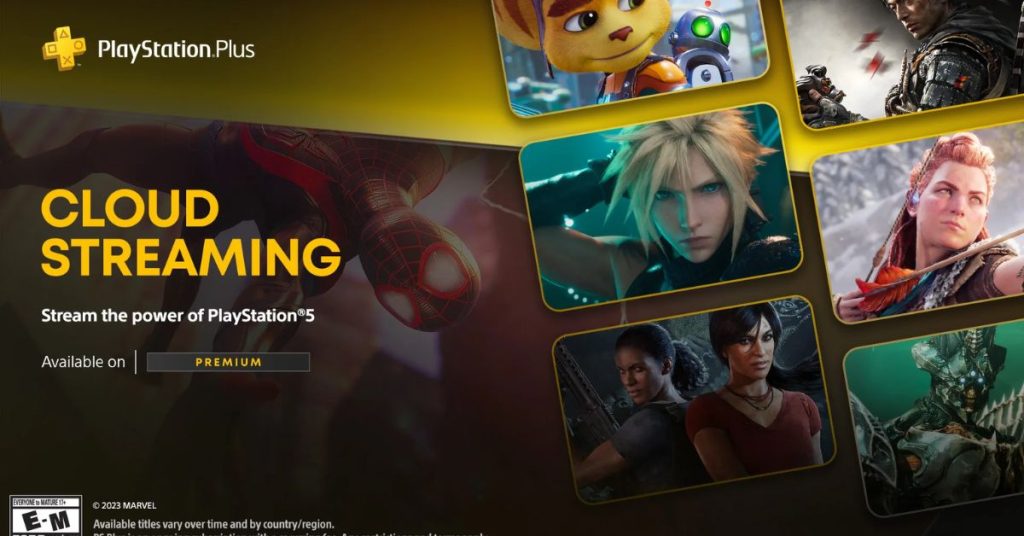

Game Pass Everywhere How To Install Xbox Cloud Gaming On Steam Deck 7.fit Lim.size . Best Cloud Gaming Services In Canada In 2026. Xbox Cloud Gaming Is Now Playable In The Cheaper Game Pass Tiers Accc2b10 8371 11f0 Adef. Xbox Cloud Games Will Soon Follow You Just About Everywhere Ad708e50 665a 11f0 97ef. Every Cloud Gaming Service In 2025 Reviewed Which Is The Best 1742897826 Download 4
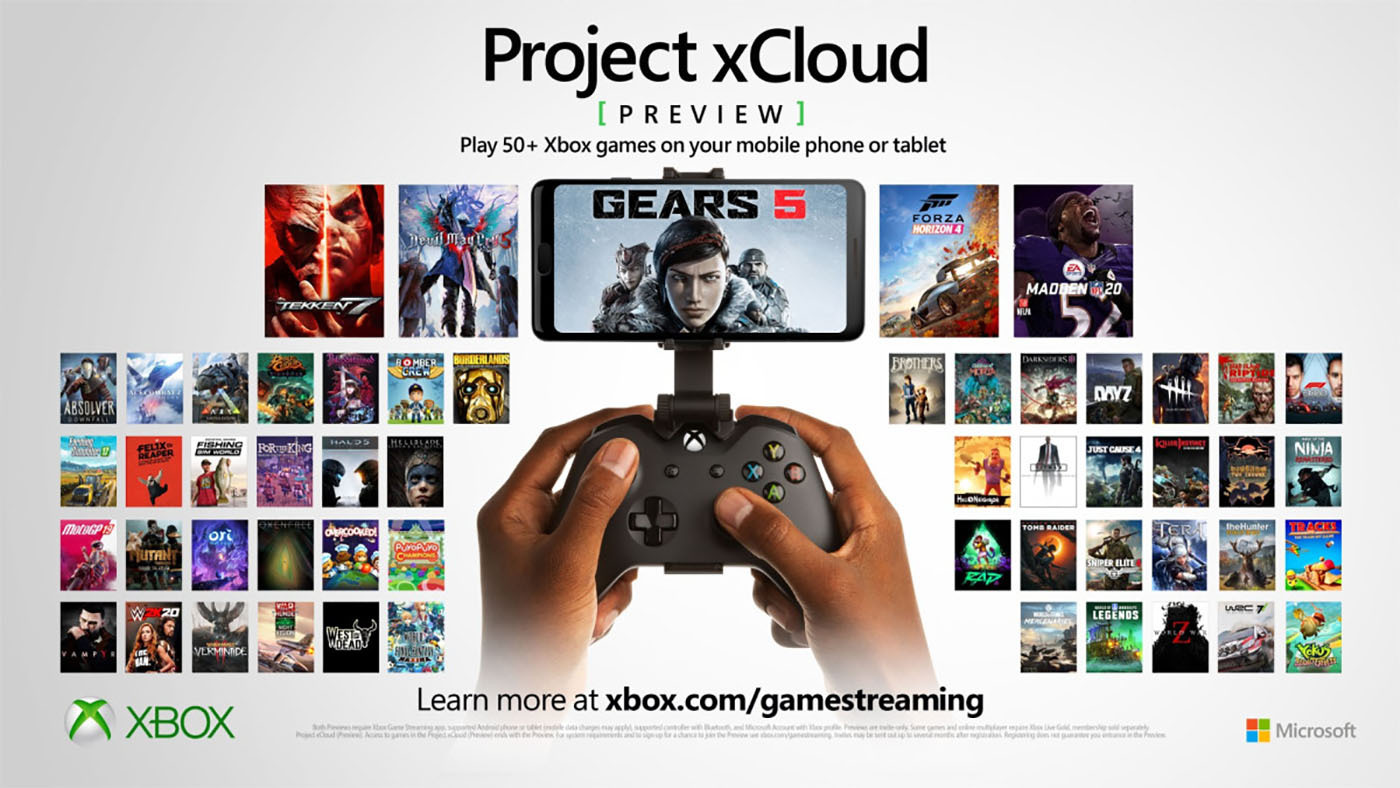
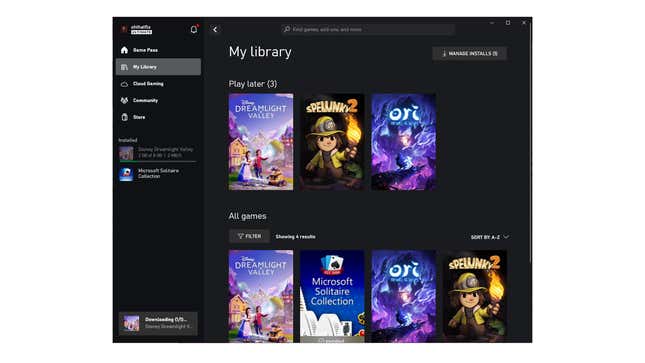

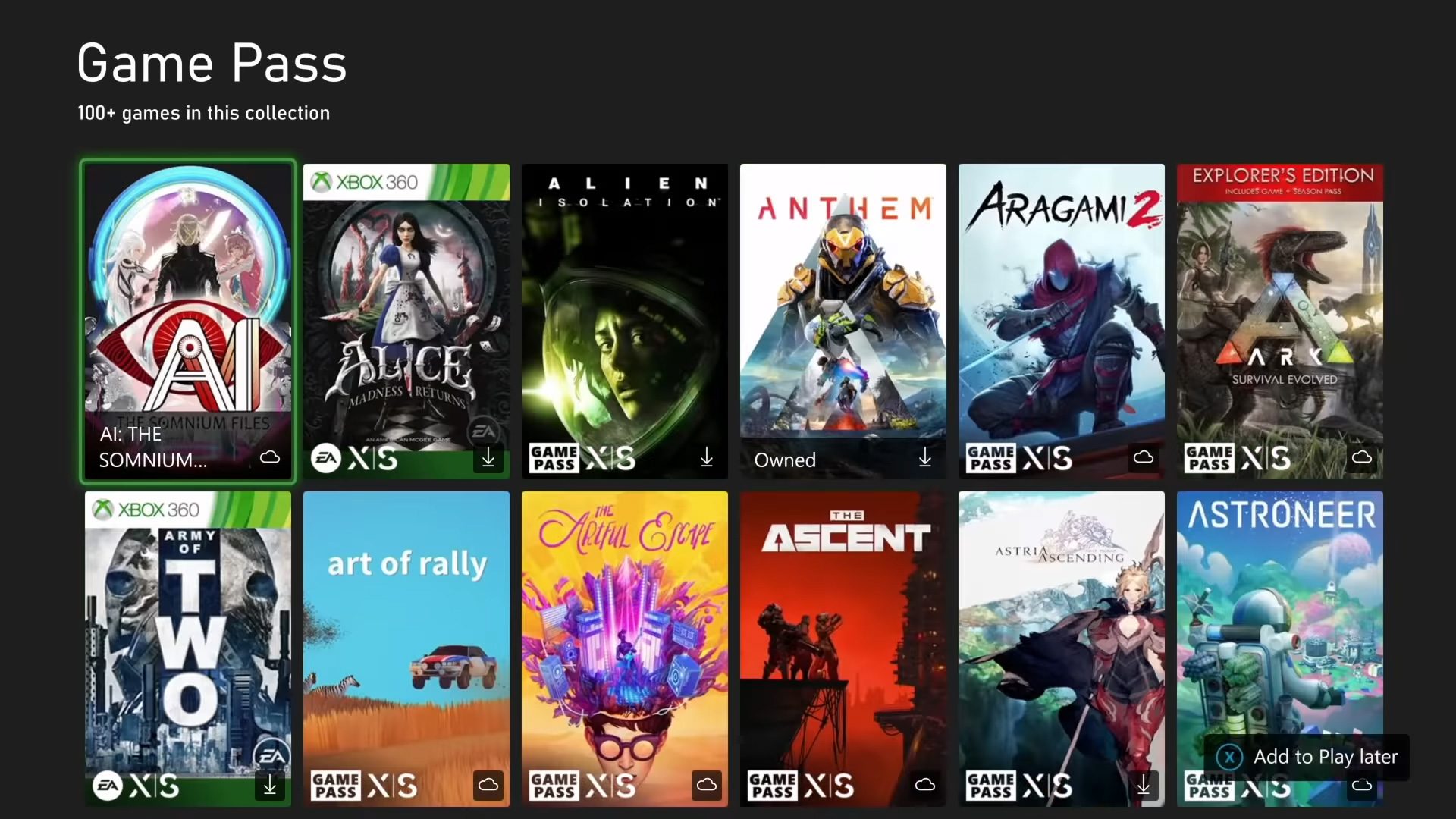

Everything You Need To Know About Xbox Cloud Gaming Ahead Of Its Release Xbox Cloud Gaming Xcloud Games . Best Cloud Gaming Services From Xbox Game Pass To GeForce Now . Microsoft Unlocks Xbox Cloud Streaming Of Games You Own TechSpot 2024 11 21 Image 15 . Free Games On Xbox Cloud Gaming Without Game Pass Tr I Nghi M Ch I Xbox Cloud Gaming On Xbox One And Xbox Series X S . Xbox Cloud Gaming With Game Pass Up 45 Now Available In Nearly 30 Family Black 16x9 CloudGaming

The 4 Best Cloud Gaming Services But None Of Them Are Great Reviews 2048px Xbox . Games To Play On Xbox X At James Tarvin Blog Xbox Cloud Gaming . Stream Your Own Game With Xbox Cloud Gaming Beta Xbox Wire XBOX GamePass 16x9 01.06.2026 EN US . How To Setup Xbox Cloud Gaming On Android Xbox Cloud Gaming Browser . Getting Started With Xbox Cloud Gaming XBOX Wire Cloud

Best Games On Xbox Cloud Gaming Right Now 2025 Update Best Games On Xbox Cloud Gaming 2048x1117 . Stream Your Own Game With Xbox Cloud Gaming Beta Xbox Wire XBOX GamePass 16x9 6.1.2025 EN US . Coming To Game Pass Clair Obscur Expedition 33 Towerborne Call Of XBOX GamePass 16x9 4.15.2025 . Cloud Gaming Gamepass Reqopnotes Gsmarena 009 . 6 Best Cloud Gaming Services In 2024 Latest Review Xbox Cloud Gaming Service
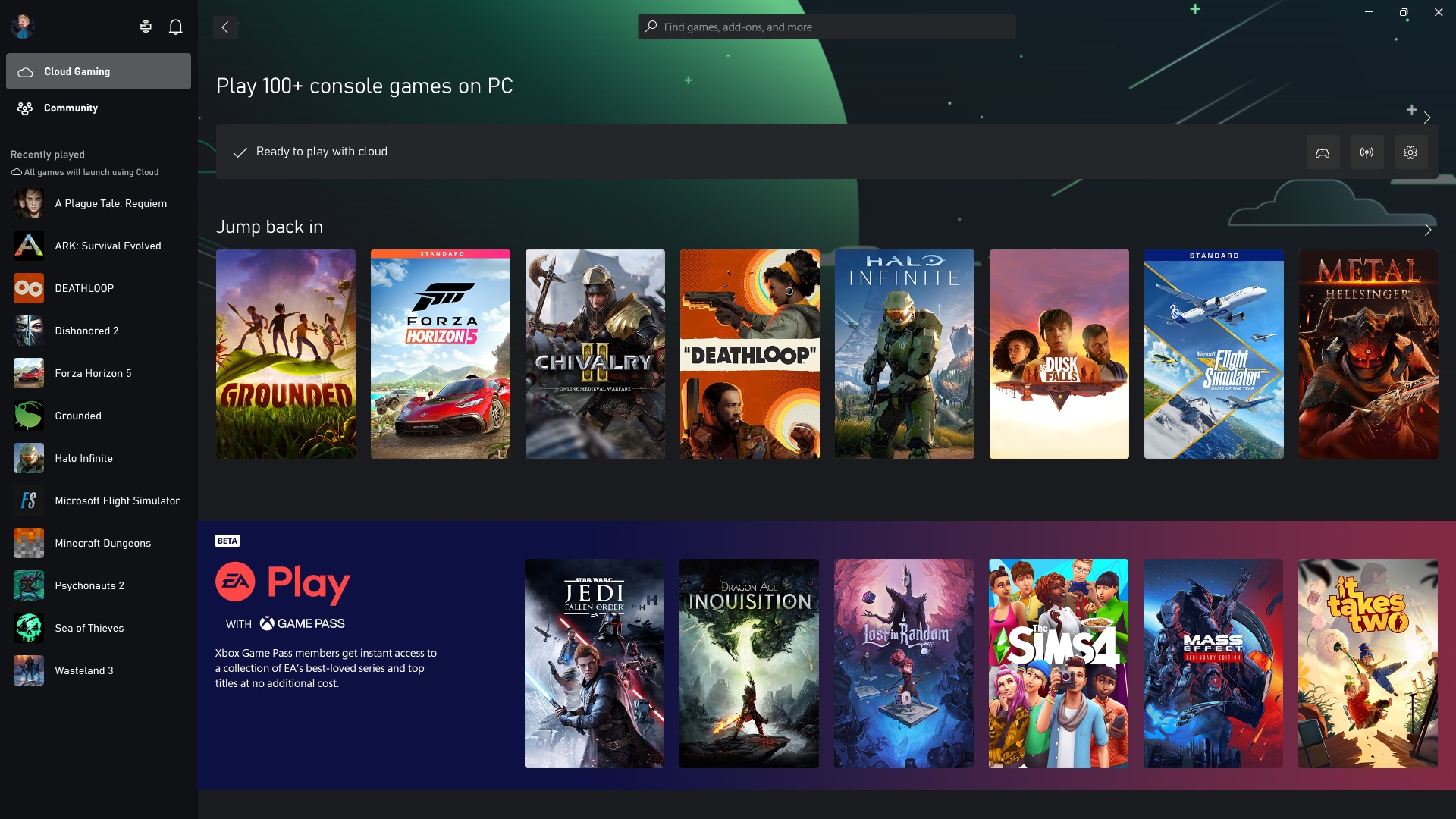
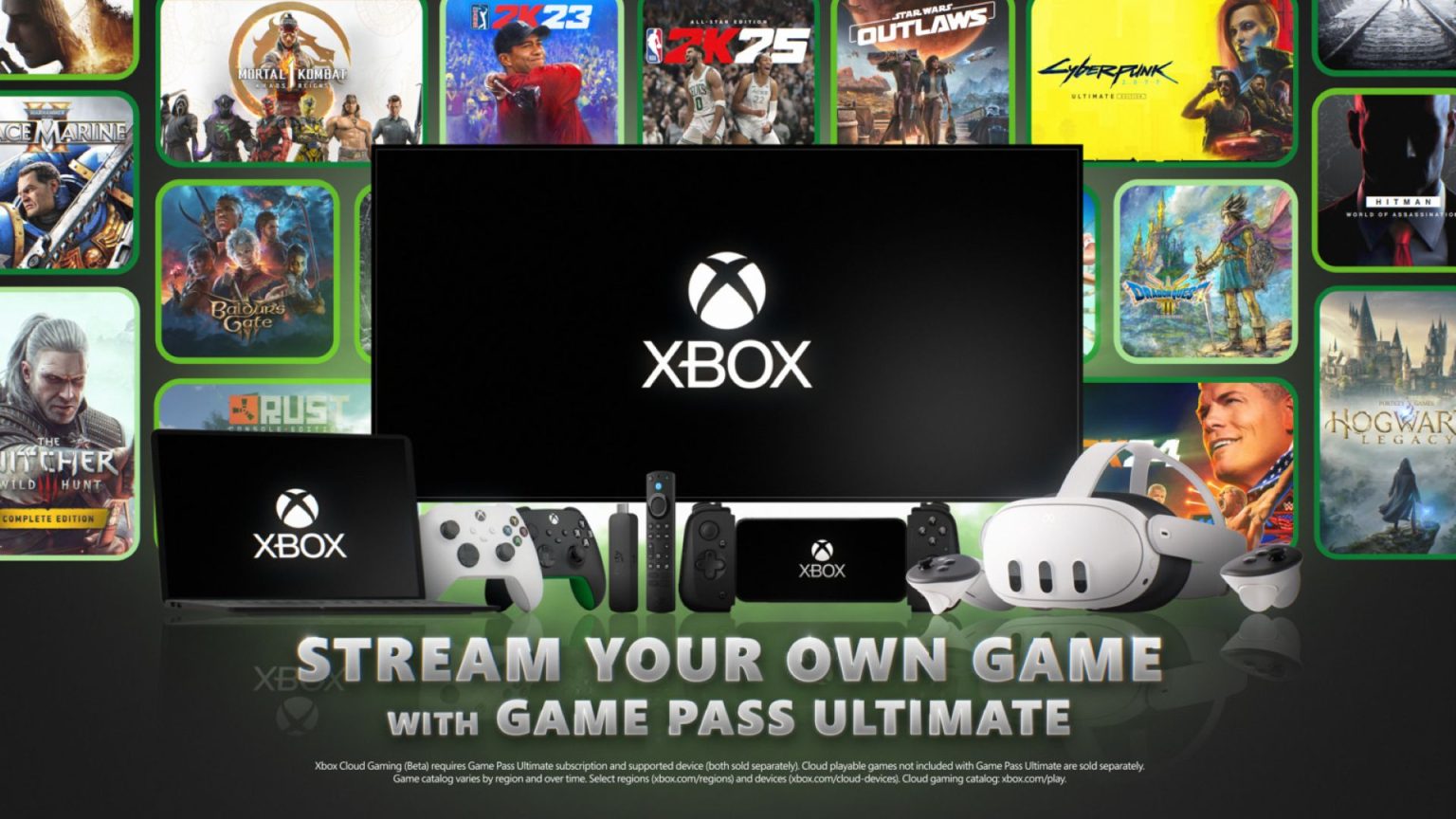


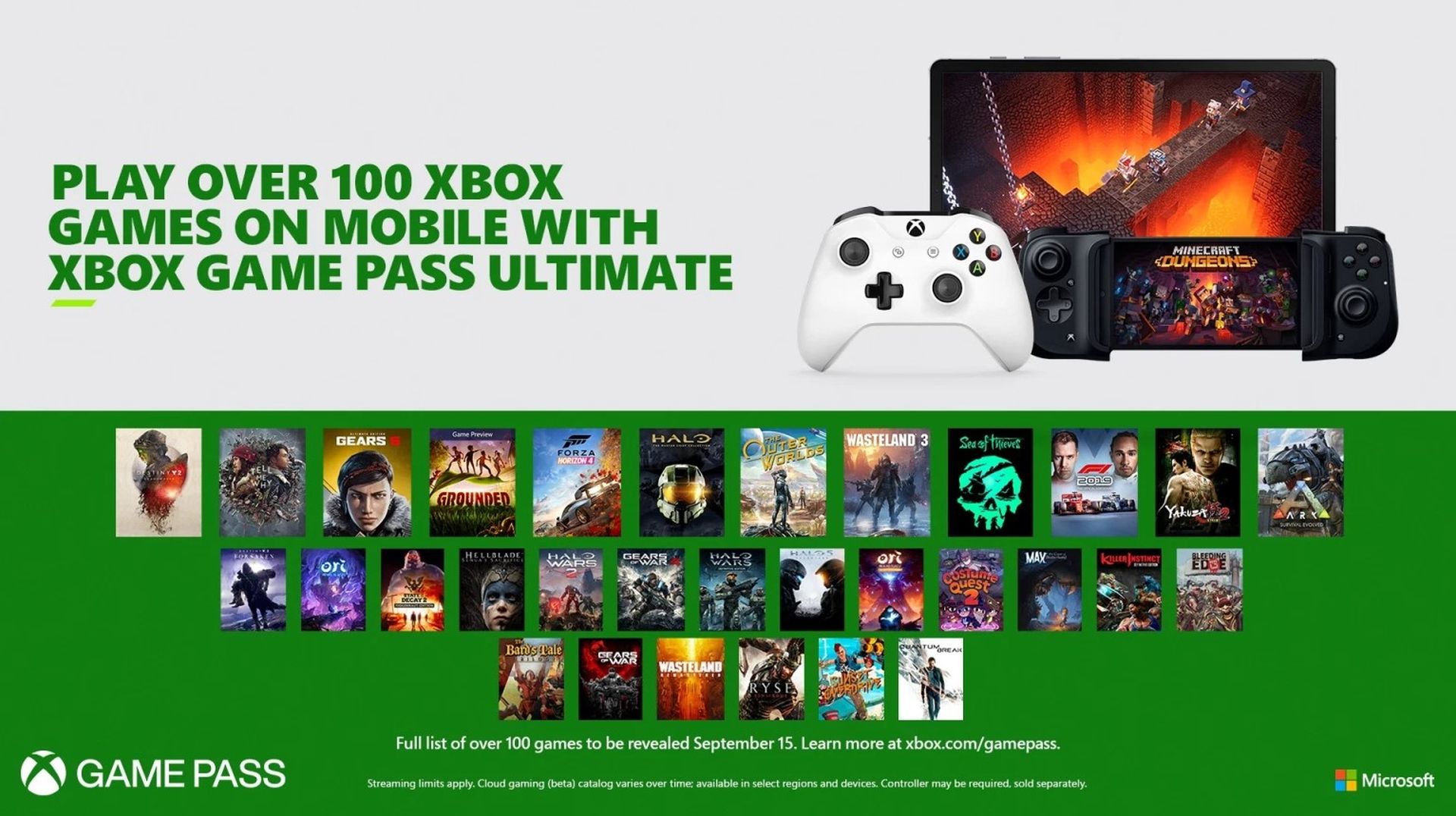
Play Halo Infinite Forza Horizon 5 And More Games From The Cloud On Cloud Gaming ARM Update JPG . Xbox Cloud Gaming Ampl A Transmite Tu Propio Juego Con 11 Nuevos 01 Stream Your Own Game 1536x864 . Xbox Cloud Gaming Vs Game Pass What S The Difference 2026 Xbox Cloud Gaming 1.webp. 5 Best Cloud Gaming Services 2026 Xbox GeForce Now Cloud Gaming Xbox Gamepass 800x589 . Xbox Game Pass Cloud Gaming Maticjas Xbox Game Pass Cloud Gaming
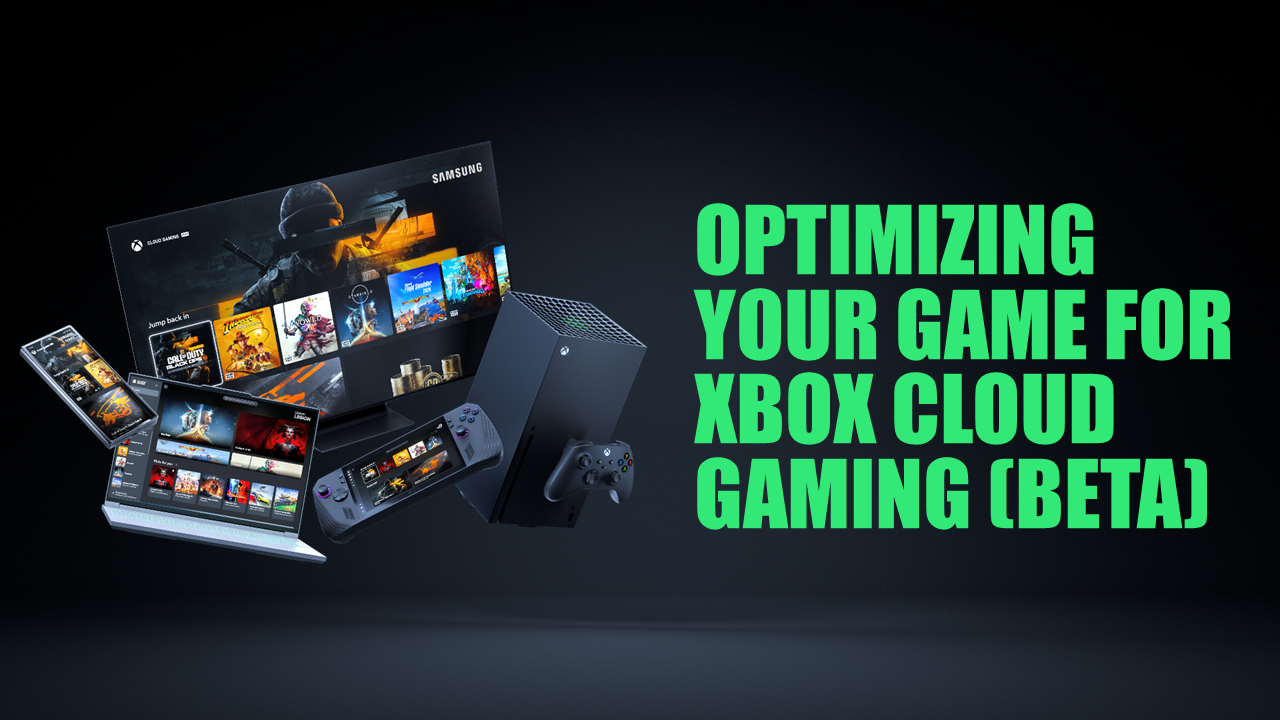

GDC 2025 Optimizing Your Game For Xbox Cloud Gaming Beta HERO . Xbox Game Pass Will Break Records In 2026 With 75 Day One Launch Games Xbox Game Pass Rompera Records En 2026 Con 75 Juegos De Lanzamiento Dia Uno 1 . Want A Game Pass Xbox Free Trial Is It Still Possible Gpass Jan25 Feature . XBOX Game Pass Forza Horizon 6 Echo Generation 2 Mixtape InKONBINI XBOX GamePass 16x9 9.16.2025 EN US . Xbox February 2025 Update Makes Changes In Cloud Games Fyuu Xbox Cloud Gaming New Games 4k Streaming Report 2


Xbox Cloud Gaming Exits Beta Priority Access Offered For Game Pass 108015 92 Xbox Cloud Gaming Exits Beta Priority Access Offered For Game Pass Ultimate Subscribers . Xbox Cloud Gaming Kommt 2026 Auf Hisense Smart TVs Xcg S1.webp. Why Cloud Gaming Is The Future Of Video Games Trends Insights Cloud Gaming VS Installed Games 1 1024x612 . Jual Cloud Gaming Game Pass Ultimate 1 Bulan Shopee Indonesia Id 11134207 7rasl